Multichannel outbound without spamming people
How to combine LinkedIn, Instagram, WhatsApp, Telegram, Facebook and email in one sequence without spamming: consent per channel, sequencing and stop on reply.
 GraphKit team
On this page
Adding channels to outbound is easy. Adding them without becoming the person who messages someone on LinkedIn, then WhatsApp, then Instagram, then email, all in the same week, takes some discipline. The difference is not the tool. It is three decisions: which channels you have permission to use for a given person, in what order you use them, and what stops everything.
This post goes through each, using the rules GraphKit’s campaign engine enforces as concrete examples. None of it is legal advice; where a platform has published rules, we link to them.
Each channel comes with its own permission model
The most common multichannel mistake is treating every channel like email, or every channel like LinkedIn. They have very different expectations about who may message whom.
| Channel | Who it’s for in outbound | GraphKit default per account |
|---|---|---|
| Professional contacts; invitations and messages to connections | 15 invites and 50 messages a day | |
| People who follow you, engaged with you, or were imported with consent | 20 messages a day, 3 min apart | |
| Existing contacts and people who opted in | 20 messages a day, 5 min apart | |
| Telegram | Existing contacts and people who opted in | 20 messages a day, 5 min apart |
| Friends, existing conversations and opt-ins, from a personal profile | 15 messages a day, 4 min apart | |
| Your connected email platform’s rules and your own lawful basis | Set in the email platform |
LinkedIn is the one channel where reaching out to people you don’t know is part of normal use, within limits. Its Professional Community Policies still say not to use invitations to send promotional messages to strangers, and its User Agreement restricts automated tools. We cover pacing in detail in LinkedIn invitation limits.
WhatsApp, Telegram and Facebook
These are not cold channels. WhatsApp’s Business Messaging Policy says you may contact people only if they have given you their number and you have received opt-in permission confirming they want to hear from you, and that you must respect opt-out requests made “either on or off WhatsApp”. Telegram’s Terms of Service prohibit using the service to send spam, with temporary or permanent bans as the consequence.
GraphKit enforces this structurally. A WhatsApp, Telegram or Facebook step only runs for a lead with a recorded consent basis on that channel: an opt-in, an existing conversation, or an import you marked as collected with consent (and, on Facebook, an existing friendship). When someone you don’t know writes to you first, the lead is created with an existing-conversation basis automatically. Only admins can change a consent basis, and every change is audited. Without one, the step is skipped, or the lead stops if you configured the step that way.
Facebook campaigns run from personal profiles. Facebook Pages work in the unified inbox but cannot start campaign conversations, because Pages can only answer people who messaged them recently.
Instagram sits in between. Instagram’s Terms of Use restrict automated access, and its official messaging API only lets businesses reply to people who messaged first. In GraphKit we position Instagram steps for people who follow you, engaged with your content, or were imported with consent, and we don’t recommend it for cold outreach.
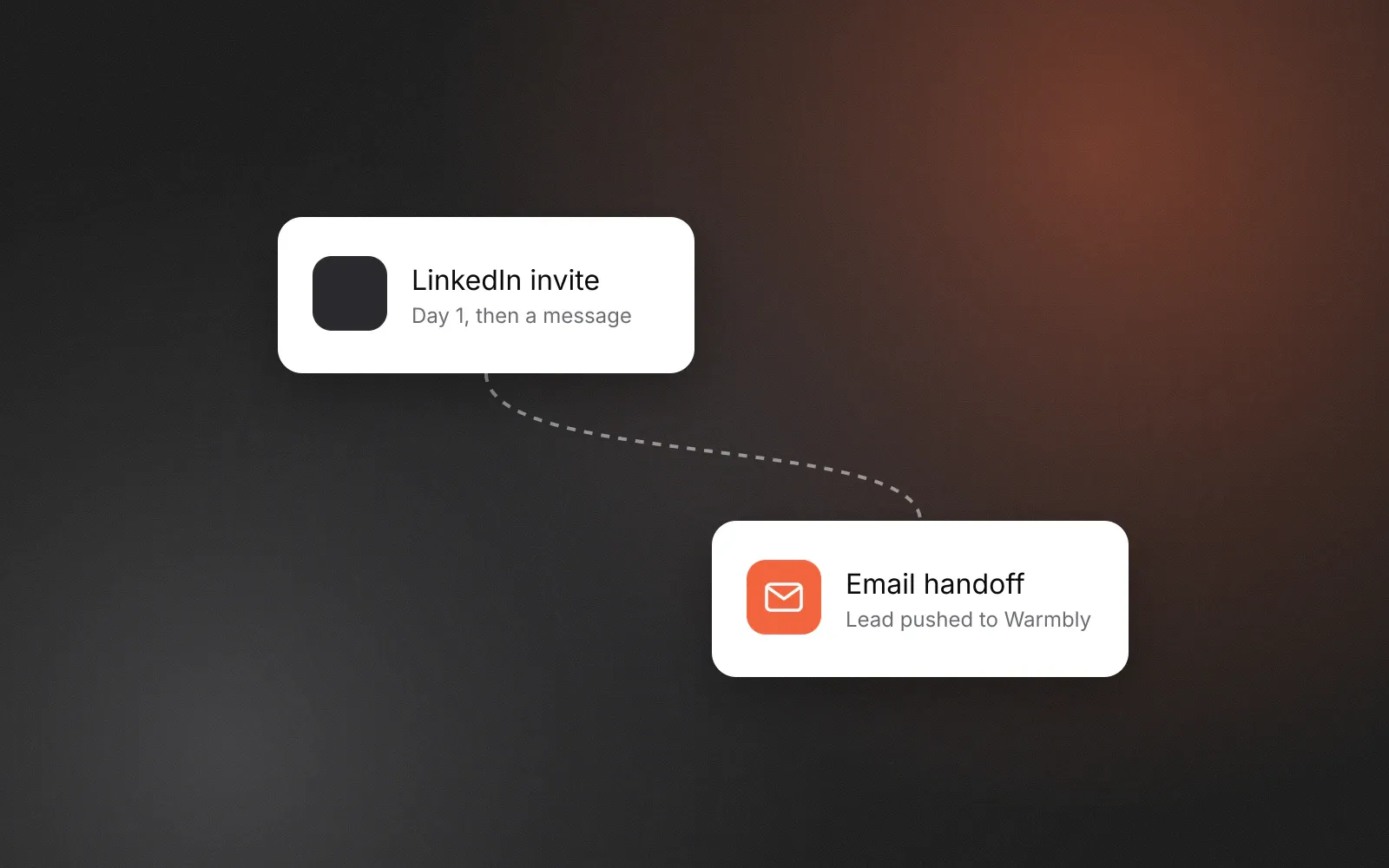
GraphKit does not send email itself. Email steps hand a lead to a campaign in your connected email platform (Warmbly, Instantly, Smartlead or lemlist), and that platform sends it under its own deliverability and unsubscribe handling. How the handoff and the stop rules work together is in adding email to LinkedIn sequences.
Sequencing: escalate on signals, not on silence
The spammy pattern is “no reply on channel A, so try channel B, then C”. Silence is an answer. A better rule is to add a channel only when something the person did makes it appropriate.
Patterns that hold up:
- LinkedIn first, email second. Invite, message after acceptance, and hand the lead to an email campaign only if you have a lawful basis to email them and they haven’t replied on LinkedIn. Many teams already run this as two separate tools; running it as one sequence is what makes the stop rules work.
- Messaging apps for people already talking to you. A WhatsApp follow-up for contacts who opted in at an event or through a form. GraphKit ships a template for exactly this.
- Instagram after engagement. A message to someone who follows the account or engaged with a post, rather than to a list of handles.
A pattern to avoid: the same message pasted into four channels on consecutive days. If the content is identical, the extra channels add pressure, not information.
Pace the person, not just the account
Per-account limits protect accounts. They do nothing to protect the person on the other end from hearing from you on three channels in one afternoon. Our recommendation, not a platform rule: no more than one touch per business day across all channels for a given lead, and four to six touches in total over about three weeks before the sequence ends. Use wait steps generously; GraphKit’s can be set in hours, days or business days.
It also helps to keep one sender per person. GraphKit’s default rotation is sticky: once an account has messaged a lead on a channel, that lead stays with that account on that channel, so nobody gets the same opener from two different people at your company.
What stops everything
A multichannel sequence is only as polite as its stop rules. In GraphKit, four checks run before every step, including while a lead is sitting in a wait, in this order:
- Suppression. The lead, one of their identities, their company domain or company name is on a suppression list for the workspace or the whole organisation.
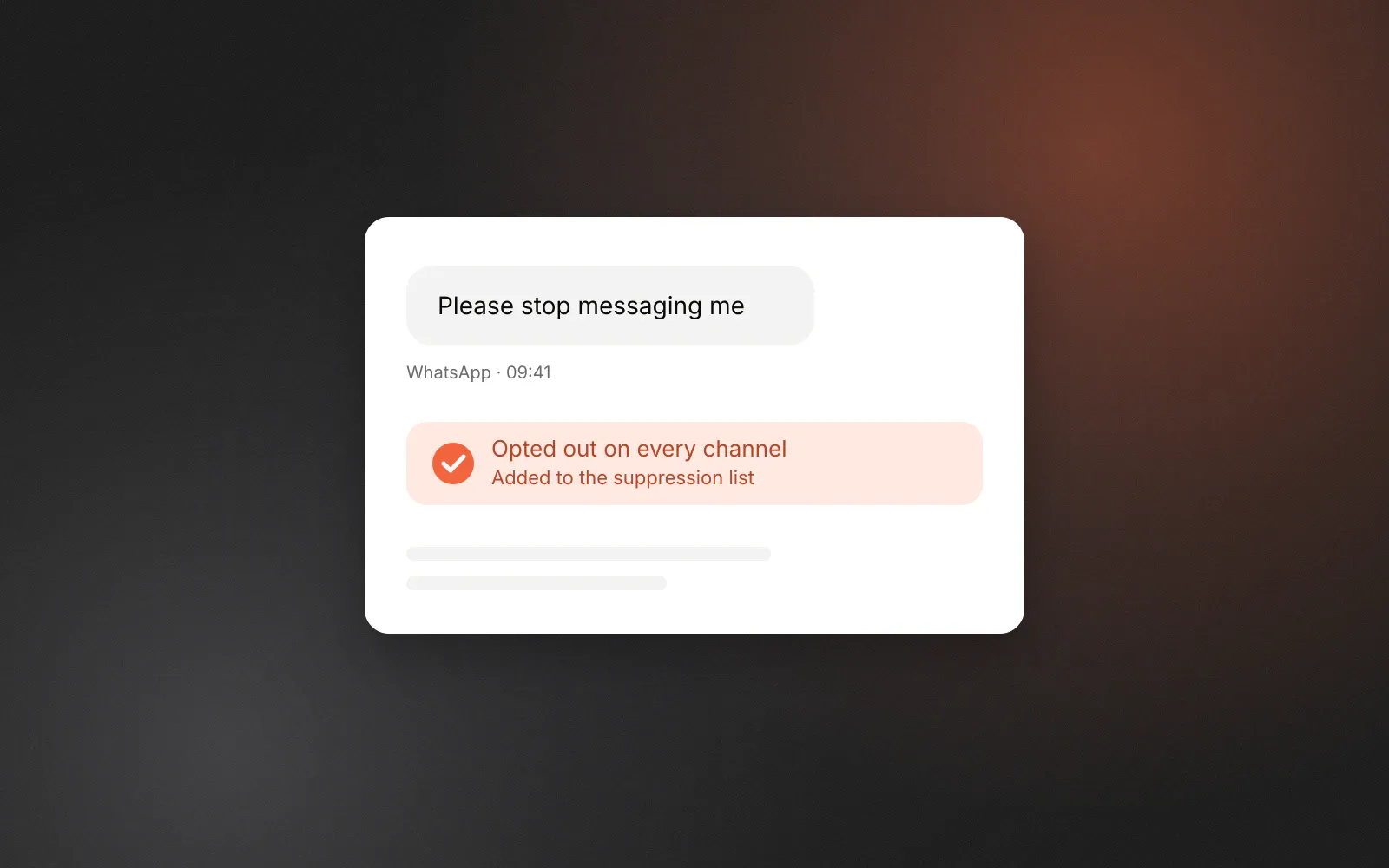
- Opt-out keyword. The lead sent a message that starts with an opt-out word (such as “stop” or “unsubscribe”, plus equivalents in several languages), or a message of four words or fewer that contains one.
- Unsubscribe. The lead unsubscribed in the connected email platform.
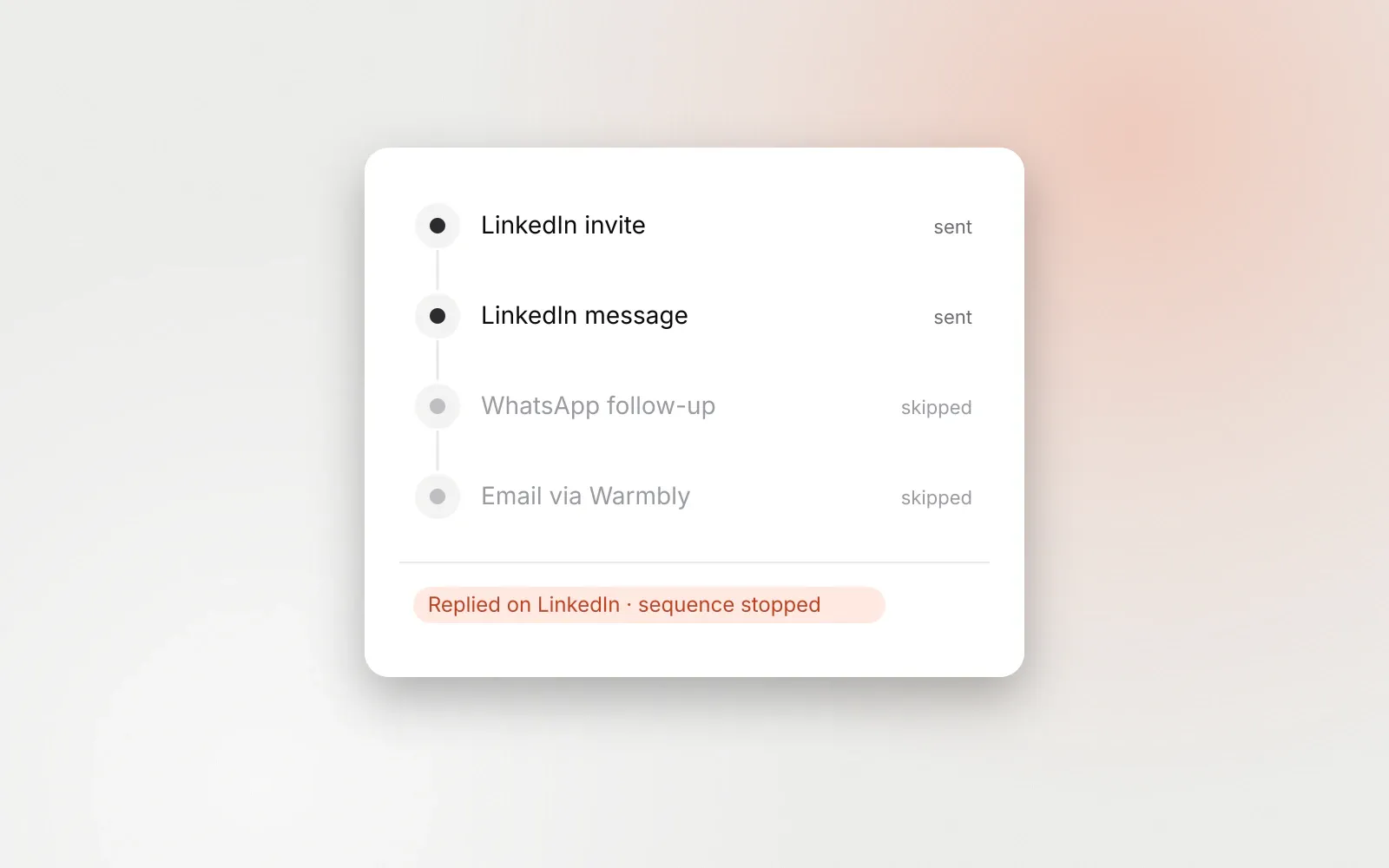
- Reply. The lead replied on any channel, including by email through a connected platform.
The same decision runs again with fresh data immediately before a message is sent, so a reply that arrives between scheduling and sending still prevents the next message. Stop on reply is on by default.
Opt-out keywords are always honoured on WhatsApp, Telegram and Facebook, and can be switched on for LinkedIn and Instagram. A match stops the lead and suppresses them on every channel in one step, and the inbox then refuses manual replies to that person too. Workspaces can add their own keywords but can never remove the defaults, so “stop” always works. We deliberately left out words like “end”, “cancel” and “quit”, which often begin ordinary replies. More on this in opt-outs on WhatsApp, Telegram and Messenger.
Identity: don’t guess handles or numbers
Before any step runs on a channel, GraphKit needs a verified identity for the lead on that channel. It does not guess a WhatsApp number from a name or match an Instagram handle by similarity. Unverified leads skip the step. That is slower than guessing, and it is the reason messages don’t land with the wrong person.
A checklist before you launch
- For every channel in the sequence, can you say why this person expects to hear from you there?
- Is there a wait of at least a business day between touches on different channels?
- Does a reply anywhere stop everything, including email?
- Are opt-out keywords on for every channel, not only the ones that require it?
- Are customers, competitors and previous opt-outs on a suppression list? Lists and exclusions can be shared across workspaces in the same organisation.
- Have you run it as a dry run and read the messages as the recipient would?
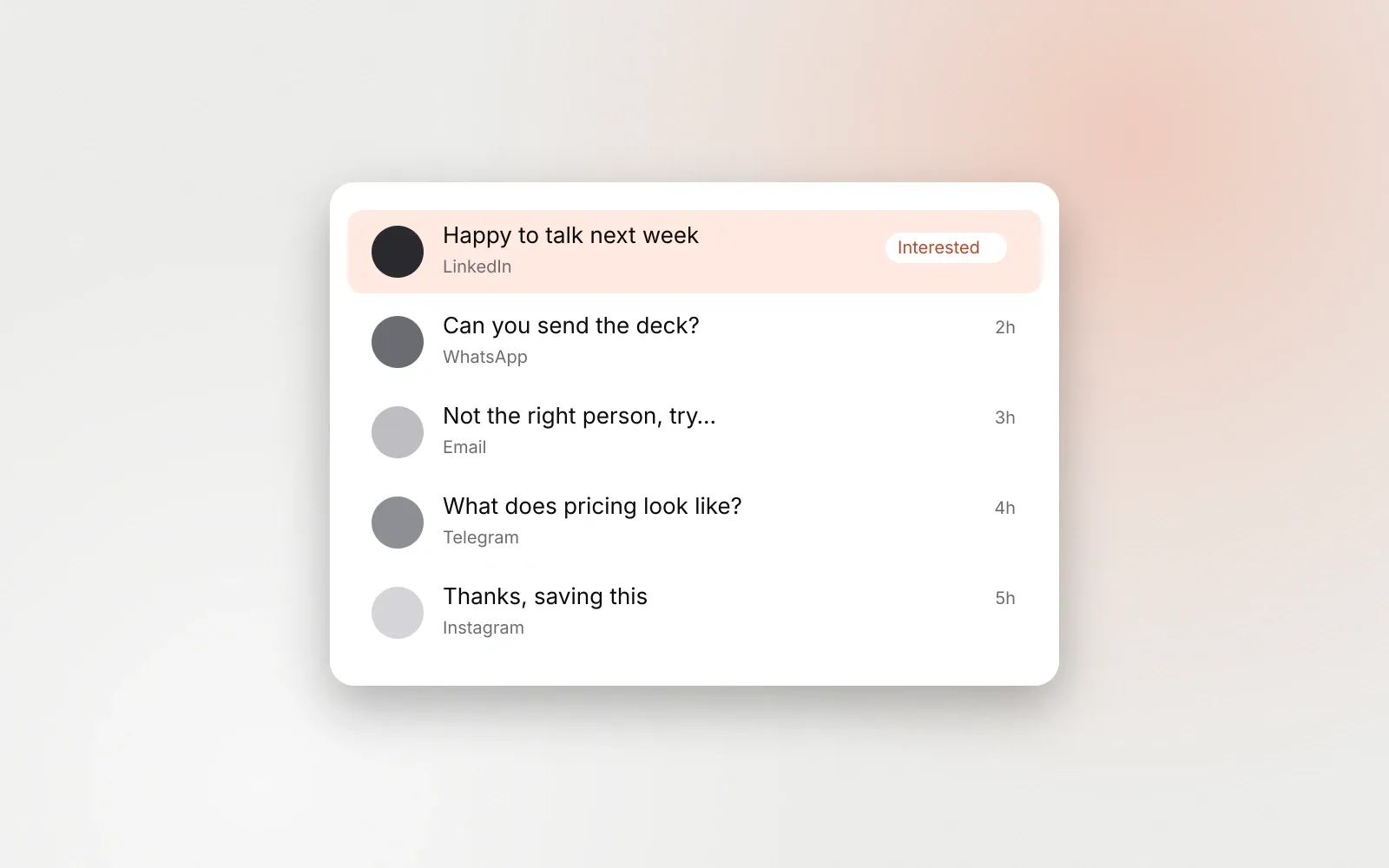
If any answer is no, fix that before adding another channel. Replies from every channel should land in one place so nobody answers the same person twice; a unified inbox for outbound replies covers how to run that.
Frequently asked questions
Can I cold message people on WhatsApp or Telegram?
No. WhatsApp’s Business Messaging Policy requires that people gave you their number and opted in to hear from you, and Telegram’s terms prohibit spam. GraphKit only runs WhatsApp, Telegram and Facebook steps for leads with a recorded consent basis.
How many channels should one sequence use?
As few as the relationship supports. Two is common: LinkedIn plus email, or LinkedIn plus a messaging app the person has already used with you. More channels means more ways to annoy someone, not more ways to reach them.
What stops a multichannel sequence?
In GraphKit: a reply on any channel, an opt-out keyword, an email unsubscribe, or a match on a suppression list. These checks run before every step, during waits, and again right before each send.