A unified inbox for outbound replies, and how to triage it
Why replies from LinkedIn, WhatsApp, Telegram, Instagram and Facebook belong in one shared inbox, plus a triage routine for owners, labels and reply times.
 GraphKit team
On this page
- Why replies scatter
- What a shared inbox has to do
- Privacy: who sees what
- A triage routine that works
- 1. Work from saved views, not the full list
- 2. Give every conversation an owner
- 3. Label by outcome, consistently
- 4. Set a response-time target and look at it
- 5. Write private notes, not side chats
- 6. Use saved replies for the repetitive parts only
- 7. Clean up in bulk
- Keyboard shortcuts
- When a reply should stop the campaign
- What we haven’t built yet
- The short version
Outbound across several channels has a predictable failure mode. The campaign side works: invitations go out, messages are sent, the sequence advances. Then the replies scatter. One is in a LinkedIn tab on a sales rep’s laptop, one is in a WhatsApp chat on someone’s phone, two are in Telegram, and the interested reply from Tuesday is still unread on Friday because it arrived on the account of the person who was off that week.
The fix is not more notifications. It is putting every reply in one shared place, with owners, labels and rules about who sees what. This post covers why that matters and a triage routine that works for small teams and agencies alike.
Why replies scatter
Each platform assumes one person per account. LinkedIn is built around a person’s own inbox, WhatsApp around their phone, Telegram around their apps. That is fine for personal use and awkward for a team, because outbound replies are team work:
- Accounts and people are not one to one. Five sales reps may share ten connected accounts. A reply belongs to the conversation, not to whoever’s phone it landed on.
- Coverage has gaps. Holidays, sick days and time zones mean the account owner is often not the best person to reply in the next hour.
- Context is spread out. Someone who replies on WhatsApp may have ignored three LinkedIn messages and opened an email. Without seeing all of that, the reply that comes back is generic.
- Managers can’t see the state of things. “How many people are waiting on us?” has no answer when the answer lives in a dozen apps.
What a shared inbox has to do
A unified inbox is more than a list of messages. For outbound, it needs to do a few specific things well.
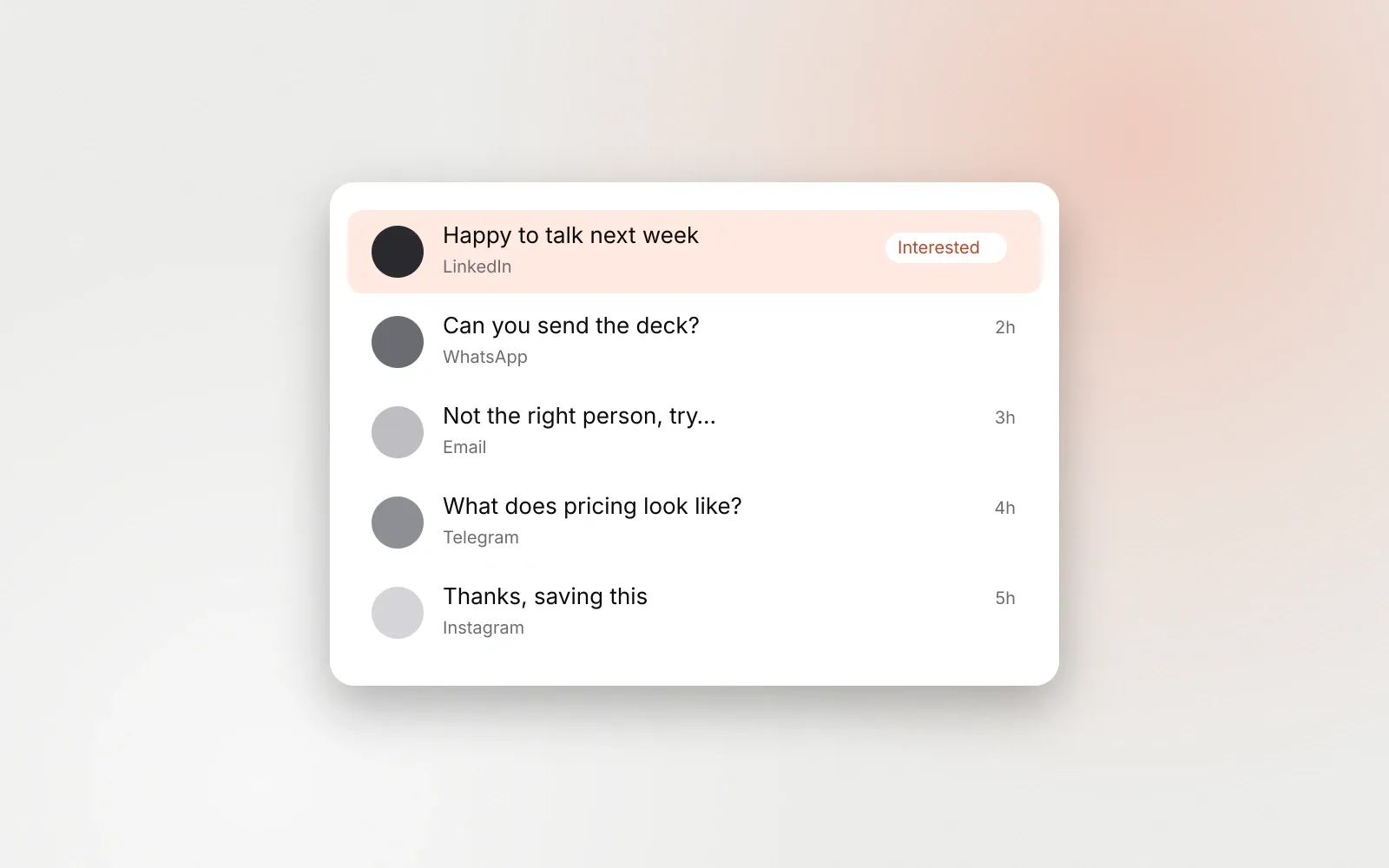
Show every channel in one list. GraphKit’s inbox brings in conversations from LinkedIn, Instagram, WhatsApp, Telegram and Facebook, including each Facebook Page you manage. When an account is connected, it backfills the last 90 days (up to 200 messages per chat), then stays current through real-time updates from the platforms plus a catch-up every 15 minutes in case anything was missed.
Reply from the right account. A reply goes out from the account the conversation is on, as the Page for Page conversations, so the other person sees a normal reply in their app. Sends carry an idempotency key, and a send whose outcome is unclear is never repeated, so a flaky connection doesn’t produce a double message.
Keep the person’s whole history next to the conversation. The lead panel shows the person’s identities per channel, which lists and campaigns they are in, and a timeline of messages and campaign actions, including events from a connected email platform. That is the context you need before typing.
Respect privacy. Not every message on a connected account is outbound. More on this below, because it is the part teams most often get wrong.
Stay honest about what the platform reports. Telegram does not provide read receipts, so GraphKit doesn’t show them for Telegram. An inbox that invents a “seen” state leads people to the wrong conclusions.
Privacy: who sees what
Connecting a personal LinkedIn account to a shared tool raises an obvious concern: can the whole team now read my private messages? It should not be able to, and in GraphKit it can’t by default.
Each connected account has a privacy setting:
| Setting | What the team sees | Default for |
|---|---|---|
| Share all | Every conversation on the account | Instagram, WhatsApp, Telegram, Facebook |
| Campaign only | Conversations that came from a campaign | |
| None | Nothing; the account only sends | (opt in) |
LinkedIn starts as campaign only because LinkedIn accounts belong to people. Conversations outside that scope are private: only roles with permission to read private conversations (client admins and agency roles) can open them, and for everyone else they do not exist. An admin can also limit a team member to specific connected accounts, which suits teams where each rep only handles their own accounts and a manager covers everyone.
Agree on these settings before connecting accounts, not after someone finds their personal messages in a shared view.
A triage routine that works
Tools help, but the routine is what makes replies get answered. This is the one we recommend.
1. Work from saved views, not the full list
GraphKit has saved views for All, Unread, Assigned to me, Unassigned, Awaiting reply, Private and Archived. Most of the day should be spent in two of them:
- Unassigned: new replies nobody owns yet. Someone sweeps this a few times a day and assigns or answers.
- Assigned to me: your queue.
Awaiting reply is the safety net: conversations where the other person spoke last. Anything that sits there too long is a dropped ball.
2. Give every conversation an owner
Assign each reply to one person. The assignee must be able to see the conversation, so assignment never hands work to someone who can’t open it. Ownership ends the “I thought you had it” problem, and it gives managers a way to rebalance when one person’s queue grows.
3. Label by outcome, consistently
Labels are only useful if everyone applies them the same way. A small set is enough:
- Interested: wants to continue the conversation.
- Meeting booked: the reply turned into a meeting.
- Not now: polite no, possibly later.
- Not a fit: wrong person or wrong company.
- Referral: pointed you to someone else.
GraphKit’s analytics counts conversations labelled Interested, Positive, Positive reply, Meeting booked, Meeting, Hot lead or Qualified as positive replies, so using one of those names for good outcomes makes reporting work without extra setup. Labelling is manual; GraphKit does not classify replies automatically today.
4. Set a response-time target and look at it
A reply on a messaging app expects a faster answer than an email. As a working target (ours, not a rule), answer interested replies within one business hour and everything else the same business day. The Awaiting reply view, sorted by oldest, shows how you are doing.
5. Write private notes, not side chats
Internal notes sit in the conversation and are never sent. Use them for “spoke to her on a call, follow up in March” or “this is the CFO, loop in Sam”. Notes in the conversation beat messages in a separate team chat because the next person to open it sees them.
6. Use saved replies for the repetitive parts only
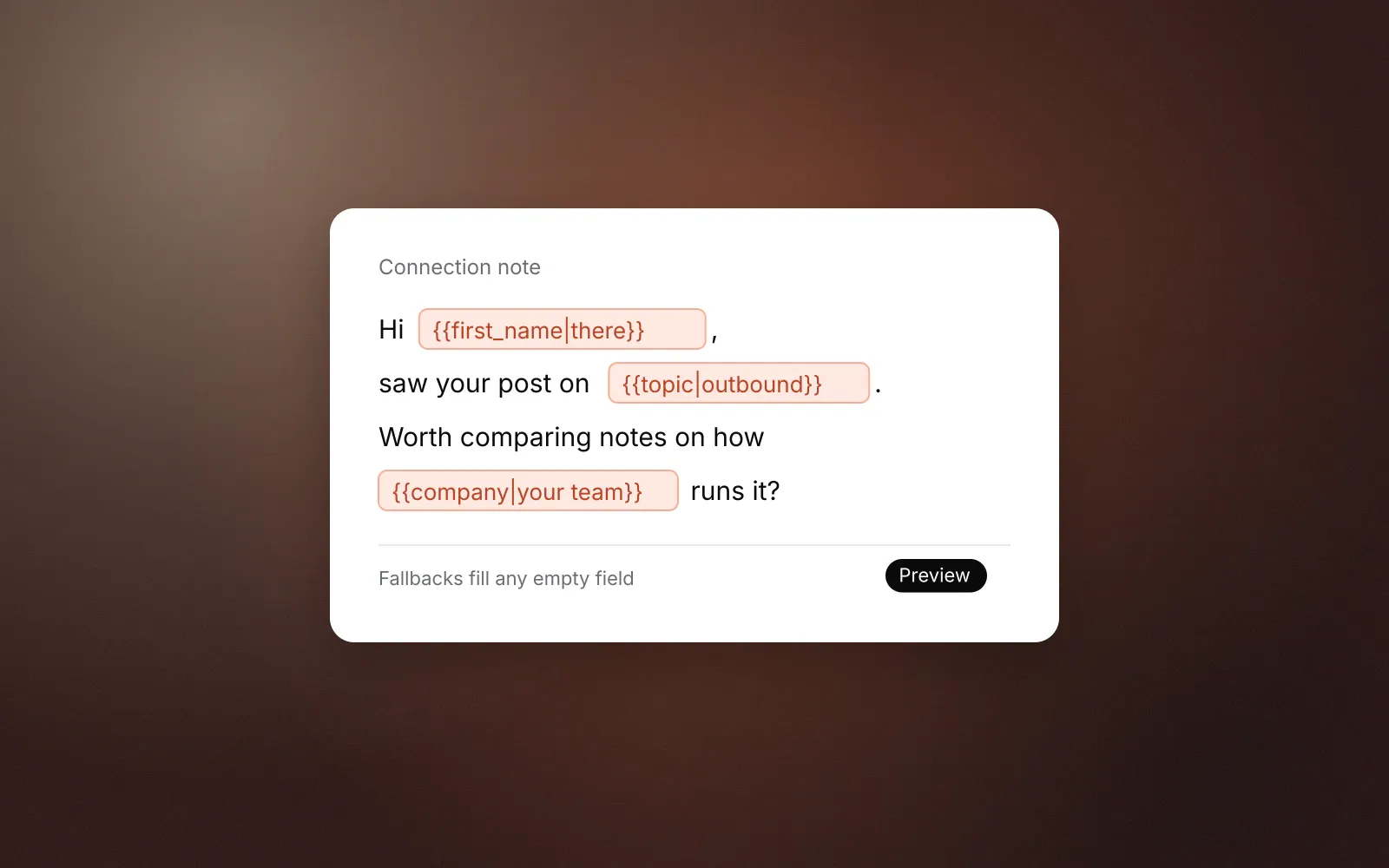
Saved replies support the same template variables as campaigns (first_name, company and so on, with fallbacks). Use them for the parts of a reply that are always the same, such as a booking link or a pricing summary, and write the rest. A saved reply sent unchanged to an interested person reads like what it is.
7. Clean up in bulk
Out-of-office replies, “thanks, not interested” and auto-responses pile up. Select up to 500 conversations at once to archive, mark read, label, assign or mute them. Marking a conversation read in GraphKit also marks it read on the network.
Keyboard shortcuts
For anyone who triages daily: j and k move between conversations, r replies, e archives, u marks unread, l opens labels, a assigns, / searches, and Cmd or Ctrl+Enter sends. ? shows the full list.
When a reply should stop the campaign
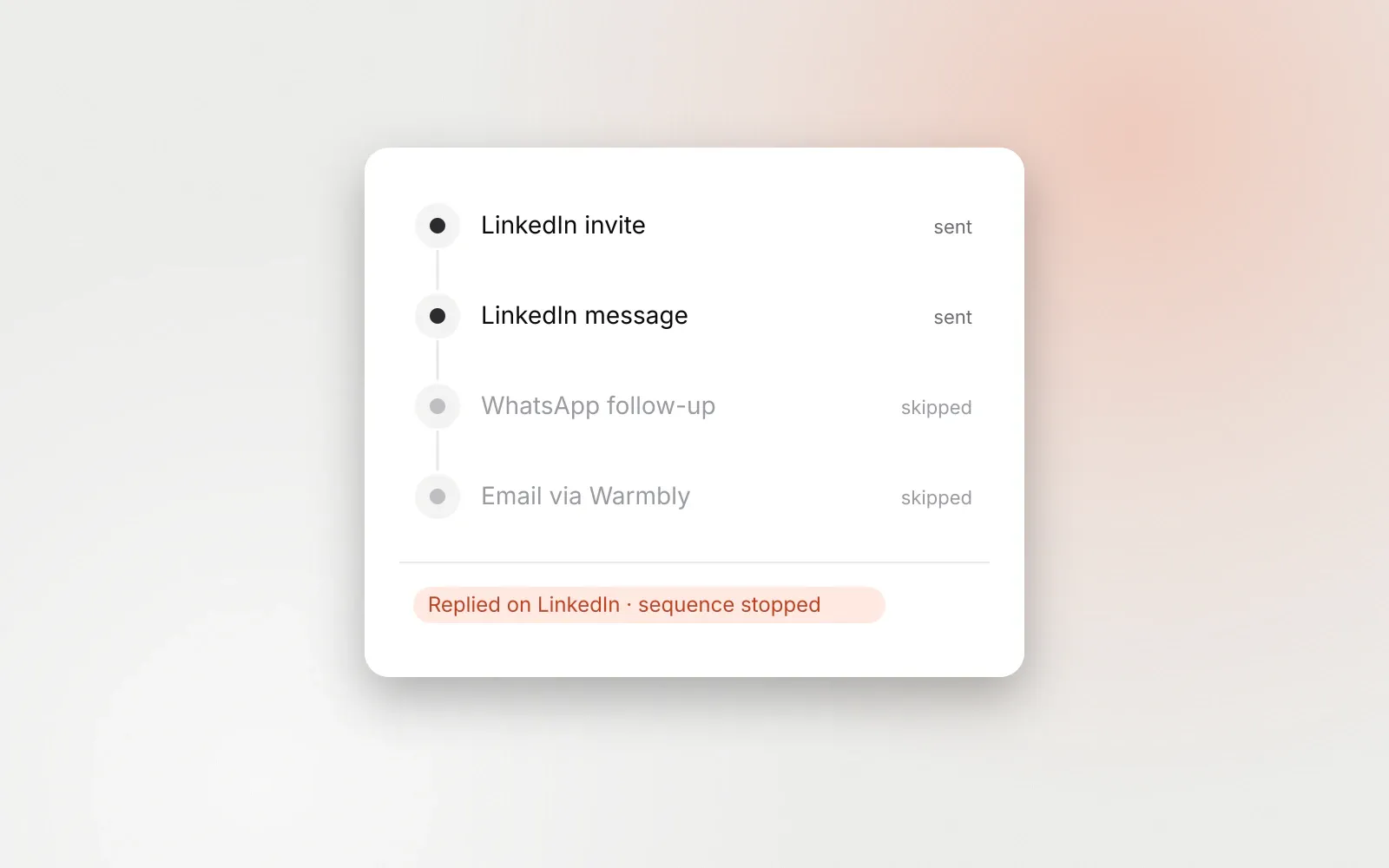
Every reply on any channel should stop the sequence for that person, and in GraphKit it does by default. The check runs before every step and again right before each send. That is what makes a shared inbox safe: the person answering doesn’t have to remember to pause anything. Opt-out messages such as “stop” go further, suppressing the person on every channel and blocking replies to them; opt-outs on WhatsApp, Telegram and Messenger explains how.
What we haven’t built yet
To set expectations: GraphKit does not draft replies with AI, does not tag replies automatically, has no mobile app yet, and does not send in-app notifications for new replies. If your team depends on any of those today, factor that in. We would rather you know before you connect accounts.
The short version
- Put every outbound reply in one place, with privacy settings agreed up front.
- Sweep Unassigned, work from Assigned to me, and watch Awaiting reply.
- One owner per conversation, a handful of outcome labels, notes in the thread.
- Let replies stop campaigns automatically so nobody has to remember.
For agencies running this across many clients, white-label outbound for agencies covers workspaces and roles.
Frequently asked questions
Does a unified inbox replace the native apps?
For outbound replies, mostly yes. Messages are sent from the same account the conversation started on, so the other person sees nothing different. People still use their phone for personal chats, which is why per-account privacy settings matter.
Can teammates see each other’s LinkedIn messages?
Not by default in GraphKit. LinkedIn accounts start as campaign-only, so the team sees conversations that came from campaigns, not the account owner’s personal messages. Each account can be set to share everything, campaign only, or nothing.
Does GraphKit classify replies automatically?
No. Labels such as Interested or Meeting booked are applied by people. Analytics counts conversations carrying those labels as positive replies. Automatic tagging is on our roadmap, not in the product.