How agencies run white-label outbound for clients
How outbound agencies structure client work: a workspace per client, pooled connected accounts, white-label branding, custom domains, logins and reports.
 GraphKit team
On this page
Running outbound for one company is a campaign problem. Running it for fifteen clients at once is an operations problem: keeping their data apart, keeping their accounts healthy, letting them see what is happening without seeing each other, and presenting all of it under your agency’s name rather than a vendor’s.
This post walks through how agencies structure that work: workspaces, seats, roles, branding, domains and reports. It uses GraphKit’s agency features as the worked example, and is explicit about what is and isn’t built today.
One workspace per client
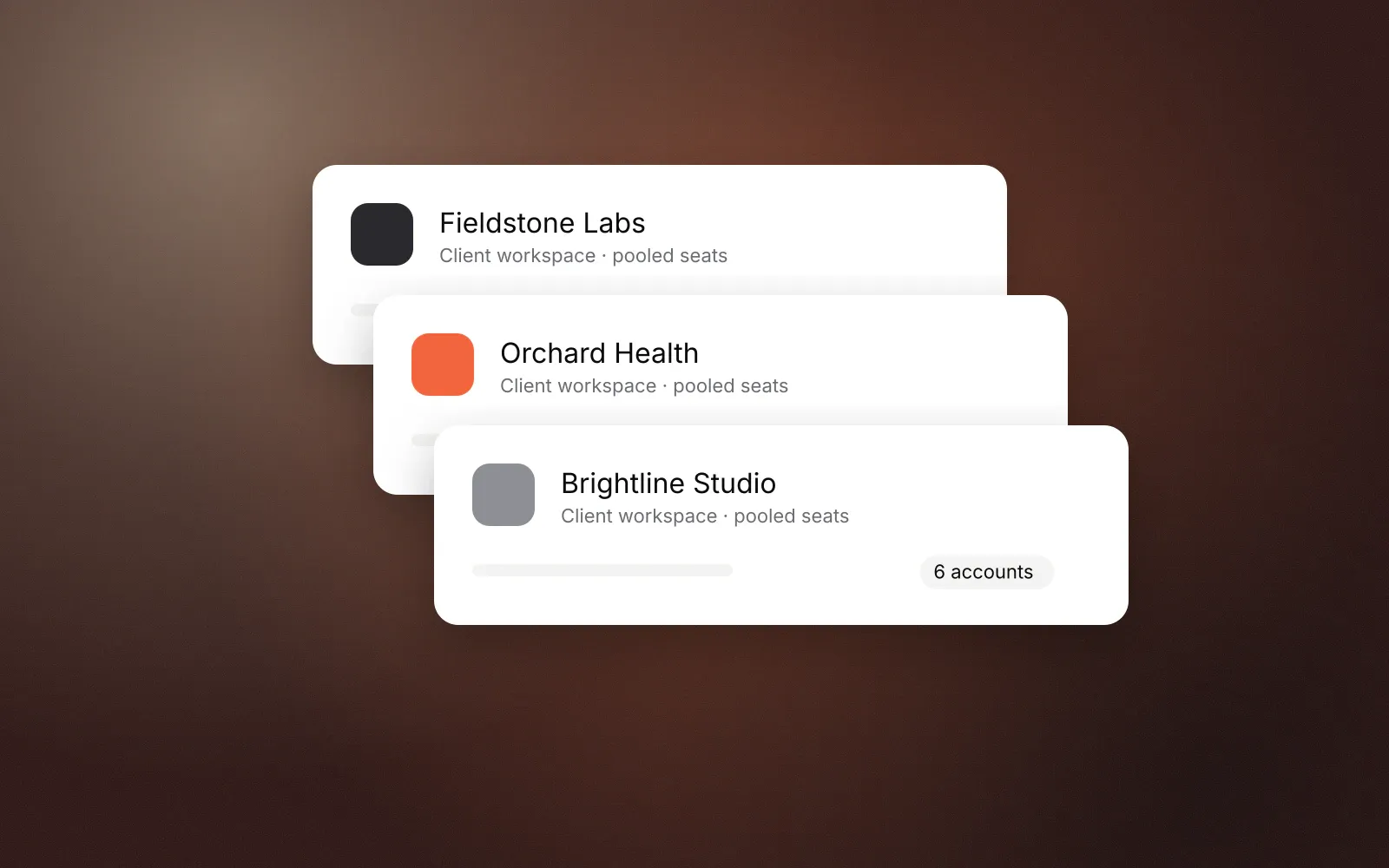
The basic unit is a workspace per client. Everything that belongs to a client lives inside it: their connected accounts, leads, lists, campaigns, inbox and analytics. Nothing crosses between workspaces unless you deliberately put it at organisation level.
In GraphKit an agency organisation can create as many client workspaces as it needs. Workspaces are archived, never hard-deleted, so ending an engagement doesn’t destroy the history you may need for a dispute or a final report. Data from another workspace isn’t just hidden; requests for it return “not found”, the same as if it didn’t exist.
A few habits make workspaces easier to run:
- Name them for the client, not the project. Projects change; the client relationship is what you report on.
- Set the time zone per client. Working hours and quota days follow each connected account’s time zone, so a client in Sydney and one in London both send during their own business day.
- Keep shared assets at organisation level. Exclusion lists can live at organisation scope, so “never contact our own clients” or “never contact this competitor” applies to every workspace at once.
Pooled seats
Clients grow and shrink. An agency that has to buy seats per client ends up with idle accounts in one workspace and none to spare in another.
GraphKit sells connected accounts once per organisation and lets you allocate them to workspaces. The organisation’s total sets the volume tier, so every account is billed at the same per-account price, and the allocations can never add up to more than you bought. An account holds a seat while it is connecting, active, paused, restricted or waiting to reconnect; disconnecting or removing it frees the seat. Teammates and client users never use seats.
At current pricing, an agency with 30 connected accounts across four clients is in the 25–49 tier at $35 per account per month, so $1,050 a month, billed monthly, whichever clients the 30 accounts are allocated to. Moving one client’s accounts up or down changes only the allocation, not the price per account, until the total crosses a tier boundary.
Roles that match how agencies work
Agencies need two kinds of access: their own staff across every client, and each client’s people inside their own workspace only. GraphKit has fixed roles for this:
| Role | Who it’s for | Scope |
|---|---|---|
| Agency owner | Agency leadership, billing | All workspaces |
| Agency manager | Account managers | All workspaces |
| Client admin | The client’s lead contact | Their workspace |
| Campaign operator | Whoever builds and runs campaigns | Their workspace |
| Inbox agent | Whoever answers replies | Their workspace |
| Viewer | Stakeholders who only need to look | Their workspace |
Roles are fixed rather than built from per-screen toggles. That is less flexible, and it is deliberate: a fixed matrix is easy to audit and hard to misconfigure. Someone with too little access gets “forbidden”; data from another client’s workspace returns “not found”.
Client logins
Clients sign in to the same application your team uses, on your domain once white-label is set up, with a role in their own workspace. There is no separate client portal to maintain. Invitations are links you copy and send yourself, so they come from you, not from a vendor’s email address.
Who connects which account
This is the most important operational rule in agency outbound: the person who owns an account connects it. A client’s LinkedIn, WhatsApp or Instagram account should be connected by that client, signed in to their own workspace. Agency staff should never ask for, store or type in a client’s password.
GraphKit’s account connection uses a hosted sign-in run by our connection provider under its own name. Before it opens, GraphKit shows a notice saying so. That screen stays under the provider’s name even under white-label, because hiding who operates a sign-in page is exactly what people are trained not to trust. Expect clients to ask about it, and explain it during onboarding.
White-label branding
From 10 purchased connected accounts, GraphKit unlocks white-label. White-label changes how the product looks; it doesn’t unlock features, because nothing else is gated. Every feature, including integrations, works the same either way.
What you can set:
- product name, description, logo and favicon
- accent colour and font
- support URL and email, terms and privacy URLs
- label overrides, for example renaming “Campaigns” to “Sequences”
- hiding GraphKit branding
One brand per organisation, today. Your brand shows on every domain you add, but GraphKit does not yet support several different brands inside one organisation. An agency that sells under two names needs two organisations, and their seats don’t pool. Multiple brands per organisation is on our roadmap. If you run more than one brand, plan for it now.
If an organisation drops below 10 accounts, a warning appears straight away. After 14 days, hidden GraphKit branding returns as a small “Powered by GraphKit” footer, and verified domains keep working. That grace period exists so a client churning at the end of a month doesn’t break the experience for every other client overnight.
Custom domains
Clients should log in at something like outbound.youragency.com, not at a vendor’s address. In GraphKit, adding a domain takes two DNS records: a TXT record to prove you control the domain and a CNAME pointing it at GraphKit. Certificates are issued and renewed automatically, and pending domains are checked automatically until the records resolve.
Use a subdomain rather than your root domain; a CNAME on the root conflicts with your website and email records. Each hostname belongs to one organisation, and you can point a domain at a default workspace so a client who signs in there lands in the right place.
One security detail worth knowing: the domain decides which brand someone sees, never what they can access. Access always comes from the signed-in session and its role.
Reporting to clients
Clients pay for outcomes and want to see them without logging in to a tool they didn’t choose. Two pieces cover this.
Agency analytics. Your team sees totals across every active client workspace plus a per-client table, and each workspace’s report can be exported as CSV grouped by day, channel, account or campaign. It is the view you use to spot a client whose acceptance is sliding before they notice.
Shareable report links. For each client you can create a read-only report link that shows aggregate metrics for their workspace, branded with your white-label settings when those are on. The link needs no login, shows no messages, lead names or account errors, and can be revoked at any time. Only roles that manage the team can create them.
Positive replies in those reports come from labels your team applies in the inbox (such as Interested or Meeting booked), so agree on labels with each client up front. A unified inbox for outbound replies covers a labelling scheme that works.
Billing your clients
GraphKit bills your agency: one subscription per organisation, monthly, priced per connected account, excluding tax. It doesn’t invoice your clients on your behalf. Reseller billing is designed but not built, so you keep using whatever invoicing you have. Most agencies price outbound as a retainer that includes accounts, which pooled seats make easy to cost.
Onboarding and offboarding
A repeatable checklist saves most of the problems agencies run into.
Onboarding a client
- Create the workspace and set its time zone.
- Allocate seats for the accounts the client will connect.
- Invite the client admin with a copied link; they connect their own accounts.
- Agree inbox privacy per account (LinkedIn defaults to campaign-only).
- Import the client’s existing customers and competitors into a suppression list.
- Run the first campaign as a dry run and review the messages with the client.
- Create a report link and agree how often you’ll review it together.
Offboarding a client
- Stop campaigns and export what the client is entitled to keep (leads export as CSV, analytics as CSV).
- Revoke report links and client logins.
- Disconnect accounts, which frees their seats.
- Archive the workspace.
What to check in any agency platform
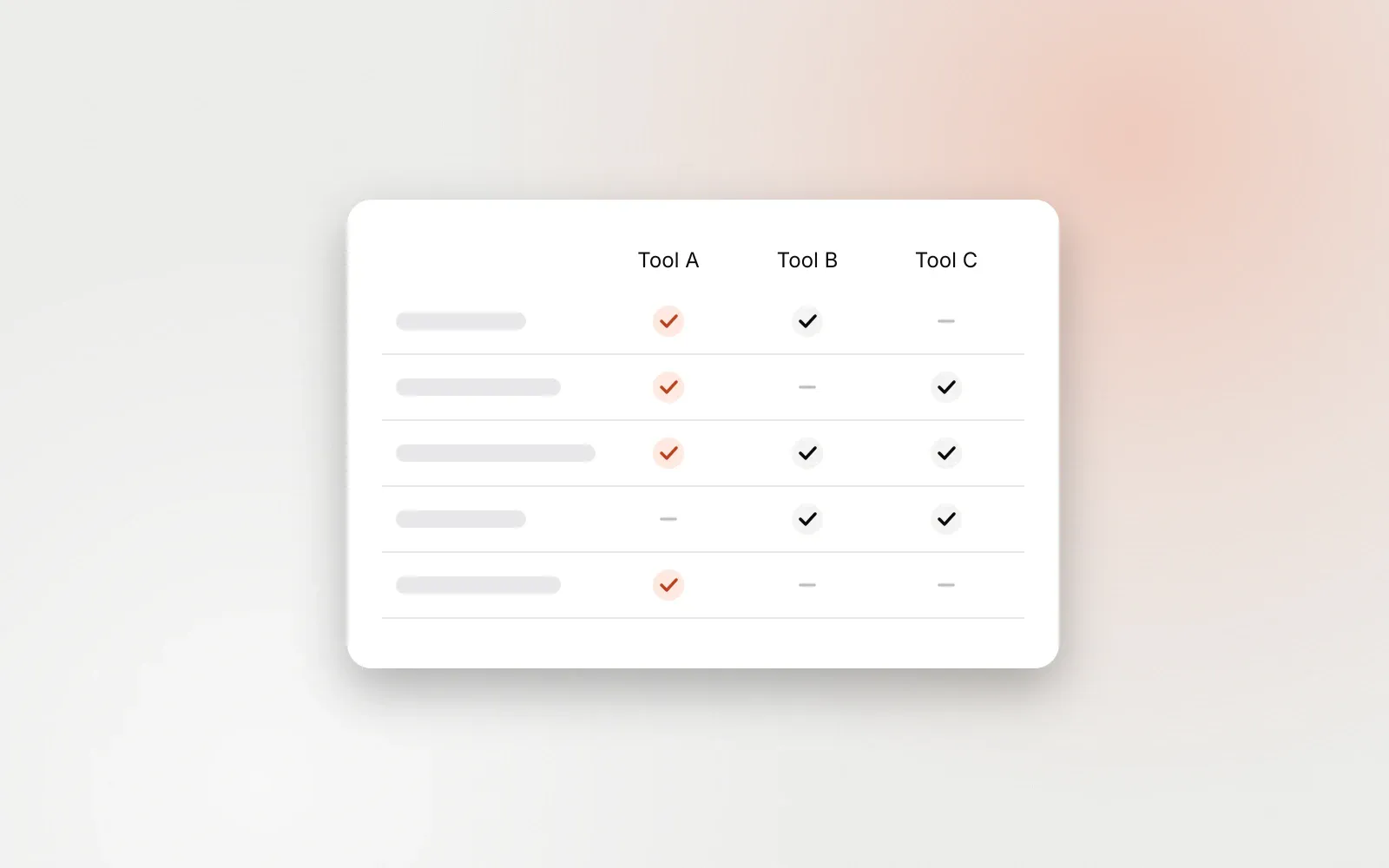
If you are comparing tools, these questions separate agency-ready platforms from single-team tools with a workspace switcher: Are seats pooled across clients? Can clients connect their own accounts? Is white-label self-serve, including domains and certificates? Are client reports shareable without a login? Can inbox access be scoped per account? Do all integrations still work under white-label? We compare one popular option in HeyReach alternatives in 2026, including where it is ahead of us.
Frequently asked questions
How many connected accounts do I need for white-label?
GraphKit unlocks white-label branding and custom domains from 10 purchased connected accounts across the organisation. Nothing else is gated: every feature, including integrations, works the same with or without white-label.
Can I run several brands from one GraphKit organisation?
Not yet. Today each organisation has one brand, shown on any number of domains. A second brand needs a second organisation, and seats do not pool between the two. Multiple brands per organisation is on our roadmap.
Who should connect a client’s LinkedIn or WhatsApp account?
The person who owns it. Clients sign in to their workspace and connect their own accounts through a hosted sign-in. Agency staff should not collect or enter a client’s credentials.
Can GraphKit bill my clients for me?
No. GraphKit bills your agency once a month for all connected accounts, and you invoice clients however you already do. Reseller billing is designed but not built.